How to play Among Us
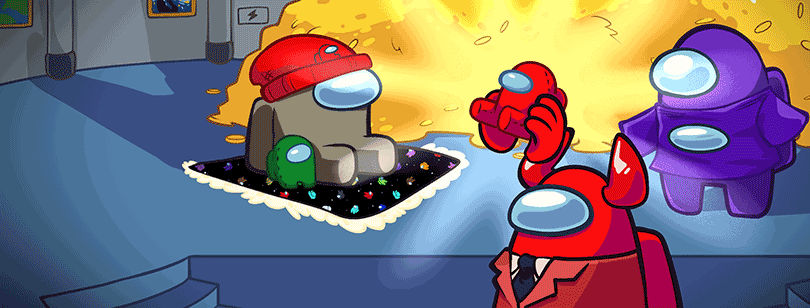
Newbie Tutorial
Game System
The main interface of the game is very simple and clear, the main functions are the following seven items.
Position 1 is for local games, when all players are on the same LAN or WIFI, one player can create a room by clicking Create Game in the center of the interface, other players can find the room in the available games below, join the room and play together.
Position 2 is for online play, where players can start playing online and can choose to create a room, find a room created by another player or join a specific room to play via a room code. The room creation screen allows you to choose to modify the map, the number of insiders, the number of players, etc. After entering the game, the room owner can approach the laptop in the room and change the rules of the game in this room after clicking on the bottom right corner.
Position 3 is the game tutorial, where players can view the basic gameplay, etc.
Position 4 is the entrance to the free mode, in which players can choose to enter any map, view the terrain and facilities location, so that players can be better familiar with the map.
Position 5 is the game settings button, where players can change game settings such as game controls and graphics.
Position 6 is for statistics, where the player's accumulated data is recorded, and the Position 7 button is for exiting the game.
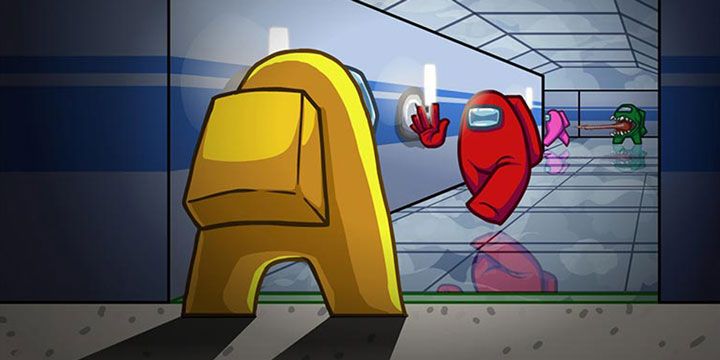
Game interface and gameplay
The player controls the character in the center of the screen. When the player is a good guy, the top left corner of the game interface is the current tasks that can be completed, and the progress bar can be accumulated when the progress bar is full.
The top right corner is the setting button and map function, the avatar in the map represents the player's current location, and the exclamation mark indicates the location of the missions that the good player can perform.
The bottom right corner shows the actions that can be performed by the current player. The good guys can only use interactions to complete the mission or activate the alarm when they see a corpse. After a body is not found but the good guys identify the mole, they can initiate a meeting by interacting with the panic button in the center of the room.
When the player is the mole, the game objective is to kill all good guys. The mole can destroy facilities on the map to create chaos for the good guys, or use the KILL skill to kill the good guys when they are close to them, while the mole can also use the alert function to initiate a meeting when they are near the good guys' bodies.
In the emergency meeting screen, players can communicate with each other via voice or typing, and select the player they all think is the mole, click on the player's avatar and click the checkbox to confirm the vote. After all players vote or abstain from voting, the player with the most votes will be expelled from the game, and the game will end when all the spies are expelled and the good guys win.
-
1
Read Review

- Evony
"Evony" is a massively multiplayer online battle game based on the historical background of the European Middle Ages. The magnificent graphics, strict cultural settings and balanced strategy system are the most important features of this game. In the game, the familiar technologies of stone-working, metal casting, compass and engineering are developed by players thems…
-
Advertisement
-
2
Read Review
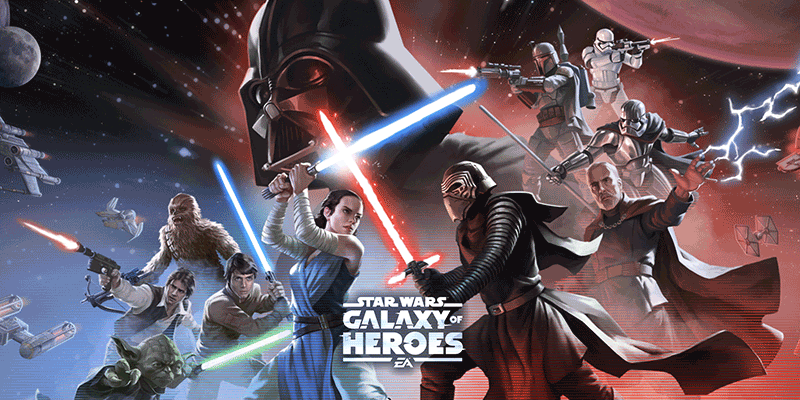
- Star Wars: Galaxy of Heroes
Star Wars: Galaxy of Heroes" is a turn-based strategy war game based on the theme of Star Wars, players in the guise of intergalactic commander, you can gather the classic characters and heroes in "Star Wars", build the strongest troops, train these characters, improve their skills and attributes, complete epic missions and adventures in different locations, enjo…
-
3
Read Review
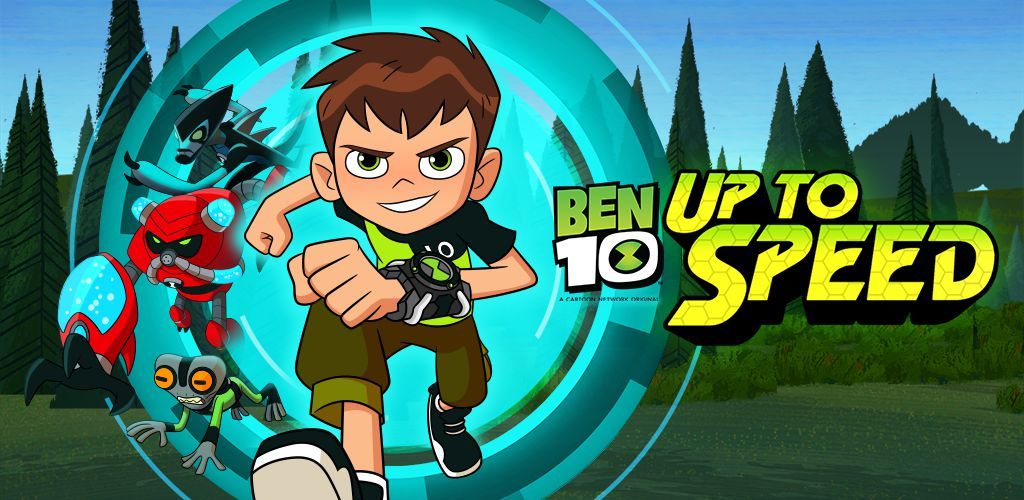
- Ben 10: Up to Speed
Ben 10: Up to Speed is a thrilling casual parkour game, the game style and anime as simple and exquisite, easy to operate, you need to start a new adventure through a variety of ways, come running teenagers!The game is not too much fancy content, everything is very simple. Operation is to click the screen to jump, in terms of graphics, the game also reflects the style of simpli…